
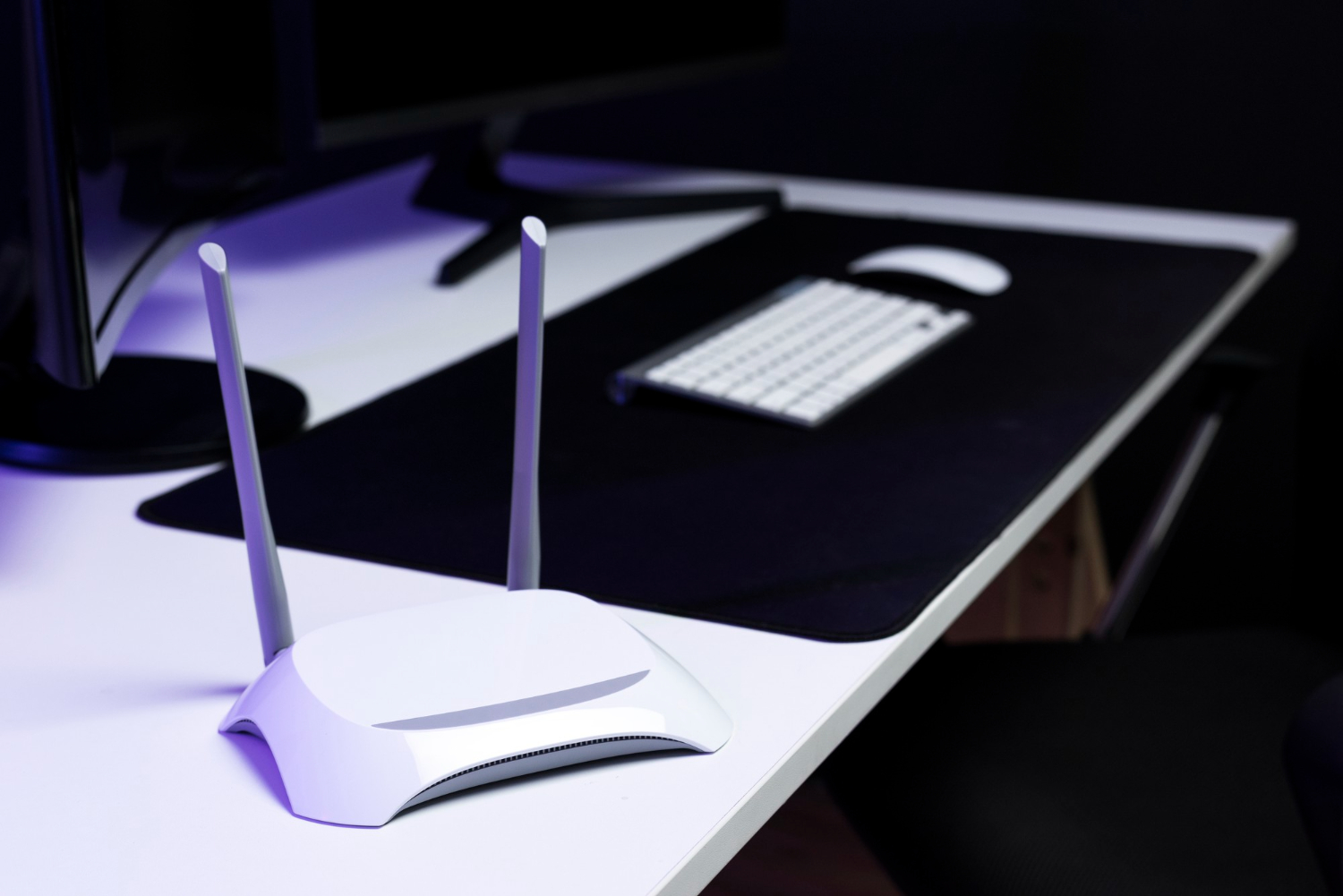
A clear comparison of home connectivity options, signal quality, device compatibility and performance gains for people improving their IT setup. A faster home network rarely begins with buying the most expensive box on the shelf. It begins with understanding why the current connection feels bad in the first place. Sometimes the problem is an old router, sometimes it is poor placement, sometimes it is a crowded apartment building, and sometimes the internet plan is being blamed for a weak Wi-Fi signal in the bedroom.
Router, mesh and Wi-Fi 7 upgrades solve different problems. A better router can improve control, stability and capacity, a mesh system can spread coverage across a larger or more complicated home, and Wi-Fi 7 can deliver serious performance when the devices and internet plan are ready for it. The mistake is treating all upgrades as if they did the same thing. They do not, and that is where a lot of money quietly disappears into plastic antennas and blinking lights.
The first upgrade is understanding the real bottleneck
The most useful connectivity upgrade starts with a simple diagnosis: is the home suffering from slow internet, weak Wi-Fi, overloaded hardware or incompatible devices? These problems look similar to the person using the phone on the couch, because every failure becomes “the internet is bad.” Yet the cause may be completely different from one room to another. Practical guidance from an IT executive with over 30 years of experience fits this discussion because better IT decisions usually come from separating symptoms from causes before spending money.
A weak signal is not the same as a slow provider connection. If the internet works well beside the router but collapses in the back room, the issue is probably coverage, interference or wall obstruction. If everything is slow even with a device connected by cable, the internet plan, modem or provider line may deserve attention. Buying a premium Wi-Fi system before testing that difference is like buying new tires because the driveway has a pothole.
Device age also matters. An old laptop, budget phone or outdated smart TV may not take advantage of newer Wi-Fi standards, even if the router is modern. The network can only move as fast as the weakest relevant part allows. A good home IT setup is a chain, and the router is only one link in it.
The right upgrade is the one that fixes the bottleneck actually present in the home. Speed tests, room-by-room checks and device compatibility matter more than the marketing phrase printed on the router box.
A better router helps when the center of the network is outdated
A traditional router upgrade makes sense when the current router is old, unstable, underpowered or missing basic modern features. Many homes still depend on equipment supplied years ago by an internet provider, often placed in a bad corner because that is where the cable entered the house. A newer router can improve processor capacity, Wi-Fi range, traffic handling, security options and management tools. The layered thinking behind the Digital Survival Pyramid book is relevant here because home connectivity is part of a broader digital foundation, not just a convenience upgrade.
A better router is especially useful in smaller homes or apartments where coverage is already mostly adequate. If the signal reaches every room but performance drops when several devices are active, a stronger router may handle traffic better. Video calls, cloud backups, streaming, gaming, security cameras and work laptops all compete for attention. A cheap or aging router can become the tired receptionist of the home network, trying to manage everyone and pleasing nobody.
Router features also matter beyond raw speed. Good firmware updates, guest network support, parental controls, device prioritization and clear security settings can make the home network easier to manage. Some routers offer better visibility into connected devices, which helps identify unknown gadgets or bandwidth hogs. Control is part of performance, because a fast network that nobody understands becomes difficult to fix when something goes wrong.
- Good fit: smaller homes, central router placement and devices that already receive acceptable signal.
- Main benefit: better stability, stronger management features and improved handling of many connections.
- Possible limit: one router may still struggle with thick walls, long corridors or multiple floors.
- Important detail: firmware updates and security settings should be easy to find and maintain.
Mesh helps when coverage is the real problem
A mesh system is designed to spread Wi-Fi coverage through multiple access points that work together. Instead of one router trying to reach every corner, several nodes cooperate to extend the network across rooms, floors or outdoor-adjacent areas. This can be extremely useful in larger homes, apartments with concrete walls, houses with home offices far from the modem or spaces where smart devices sit at the edge of the signal. Practical technology voices such as Melissa Esposito are relevant because good connectivity is less about buying the newest standard and more about matching architecture to daily use.
Mesh does not magically create more internet speed from the provider. It improves distribution inside the home, which can make the connection feel much faster in rooms that previously had weak signal. A bedroom that used to buffer video may suddenly work well because the device is no longer struggling to talk to a distant router. That is a real improvement, even if the internet plan itself did not change at all.
Placement is the part people often underestimate. Mesh nodes need to be close enough to communicate well with each other, but far enough to expand coverage meaningfully. Putting a node in a dead zone may not fix the dead zone if the node itself receives a poor signal. Mesh is not a decoration strategy, and placing a sleek white cube on a shelf does not guarantee good networking.
Mesh is best understood as a coverage solution. It helps the signal reach where people actually use their devices, especially when walls, distance and layout make a single router insufficient.
Wi-Fi 7 is powerful, but only useful when the rest is ready
Wi-Fi 7 can deliver major performance improvements, especially for high-speed local networking, lower latency and better handling of demanding modern devices. It is attractive for homes with fast fiber connections, multiple high-end devices, gaming, media production, large file transfers and dense smart home setups. Still, Wi-Fi 7 is not automatically the best first upgrade for every household. If most devices are older, the internet plan is modest and the main problem is poor coverage, the newest standard may be overkill.
Compatibility is the big practical question. To benefit fully from Wi-Fi 7, the router or mesh system must support it, and the client devices should support it too. A Wi-Fi 7 router can still serve older devices, but those older devices will not suddenly behave like new hardware. The network may improve in management and capacity, but the headline performance gains require matching equipment.
There is also the matter of cost. Early adoption usually carries a premium, and many homes may receive better value from a strong Wi-Fi 6 or Wi-Fi 6E mesh system than from a single expensive Wi-Fi 7 router placed poorly. The newest technology is not wasted when the home is ready for it, but it is wasteful when purchased as a cure for a problem it was not designed to solve. Marketing loves big numbers; walls, old phones and bad placement do not care.
- Best case: fast internet plan, newer devices, heavy local traffic and demanding home office or media use.
- Weak case: old devices, slow provider plan, poor placement and coverage problems across rooms.
- Key requirement: client devices must support newer standards to enjoy the biggest gains.
- Buying caution: a cheaper well-placed mesh setup may outperform an expensive router in the wrong location.
Signal quality depends on placement, interference and wiring
Home Wi-Fi performance is heavily shaped by physical reality. Thick walls, mirrors, metal structures, appliances, cabinets, aquariums and neighboring networks can all weaken or distort the signal. A router hidden inside furniture may look neat, but it often performs worse than one placed in an open central location. The ugliest truth in home networking is that placement can beat price.
Interference also matters, especially in apartments where many networks compete in the same airspace. Devices using older standards, crowded channels and cheap smart gadgets can contribute to instability. Modern routers and mesh systems often manage channels automatically, but that does not mean the home layout stops mattering. A node placed beside a microwave, behind a television or under a desk full of cables may struggle for reasons no speed plan can solve.
Wired backhaul can make a mesh system much stronger. When mesh nodes connect to each other through Ethernet, they do not have to use wireless capacity for communication between nodes. That can improve stability and speed, especially in larger homes or multi-floor layouts. A little cable in the right place can outperform a lot of wireless optimism.
Wi-Fi is invisible, but it is not imaginary. It moves through a physical home full of obstacles, competing signals and awkward furniture decisions. A smarter layout can make ordinary equipment feel much better.
The upgrade that helps is the one matched to daily use
The best home connectivity upgrade depends on daily behavior. A family streaming video in several rooms, working from home, using cloud storage, running security cameras and gaming online has different needs from a person who mainly browses, pays bills and watches one smart TV. Usage should decide the equipment, not the other way around. Buying for an imaginary future can be expensive, especially when the current problem is simple.
A practical decision path is straightforward. If the signal is good everywhere but the network feels unstable under load, consider a better router. If some rooms have weak or unreliable signal, consider mesh. If the home already has fast fiber, newer devices and demanding applications, Wi-Fi 7 becomes more interesting. The honest answer may be boring, but boring answers often save money.
Security should also be part of the choice. The upgraded system should support strong encryption, firmware updates, guest networks, clear device lists and simple password management. A home network carries banking, work, cameras, personal messages and smart devices, so performance without security is incomplete. A fast insecure network is not an upgrade; it is just a wider road with worse locks.
- Choose a router: when coverage is acceptable but hardware is old, unstable or overloaded.
- Choose mesh: when the main issue is weak signal across rooms, floors or outdoor-adjacent spaces.
- Choose Wi-Fi 7: when devices, internet plan and workloads can actually benefit from the newer standard.
- Check security: updates, encryption and guest access should matter as much as speed claims.
Router, mesh and Wi-Fi 7 can all help, but each helps in a different way. The router improves the center of the network, mesh improves coverage across the home, and Wi-Fi 7 improves performance when the surrounding setup is ready to use it. The smartest upgrade begins with testing signal, checking device compatibility and identifying the real source of frustration. A home IT setup feels faster when the right problem is solved, not when the most expensive box wins a place beside the modem.